Hand over your phone without handing over everything
famfone is a phone for parents with a calm, locked Kid mode built in. Each kid gets their own space, with only the videos, music and games you picked, and you get family tools no ordinary phone has.
- Kid mode stays locked until you enter your PIN
- A separate space for each kid, on one phone
- No ads, no feeds, no app store in Kid mode
- Buy once. No monthly fee
Locked until you say so
Only your Parent PIN leaves Kid mode. Even the power button asks for it.
One phone, every kid
Up to three kids, each with their own apps, photos and settings.
Calm by design
No autoplay feeds, no ads, no search bar. Built to be put down.
Buy once
No subscription and no contract. Updates are included.
A Kid mode that actually stays put
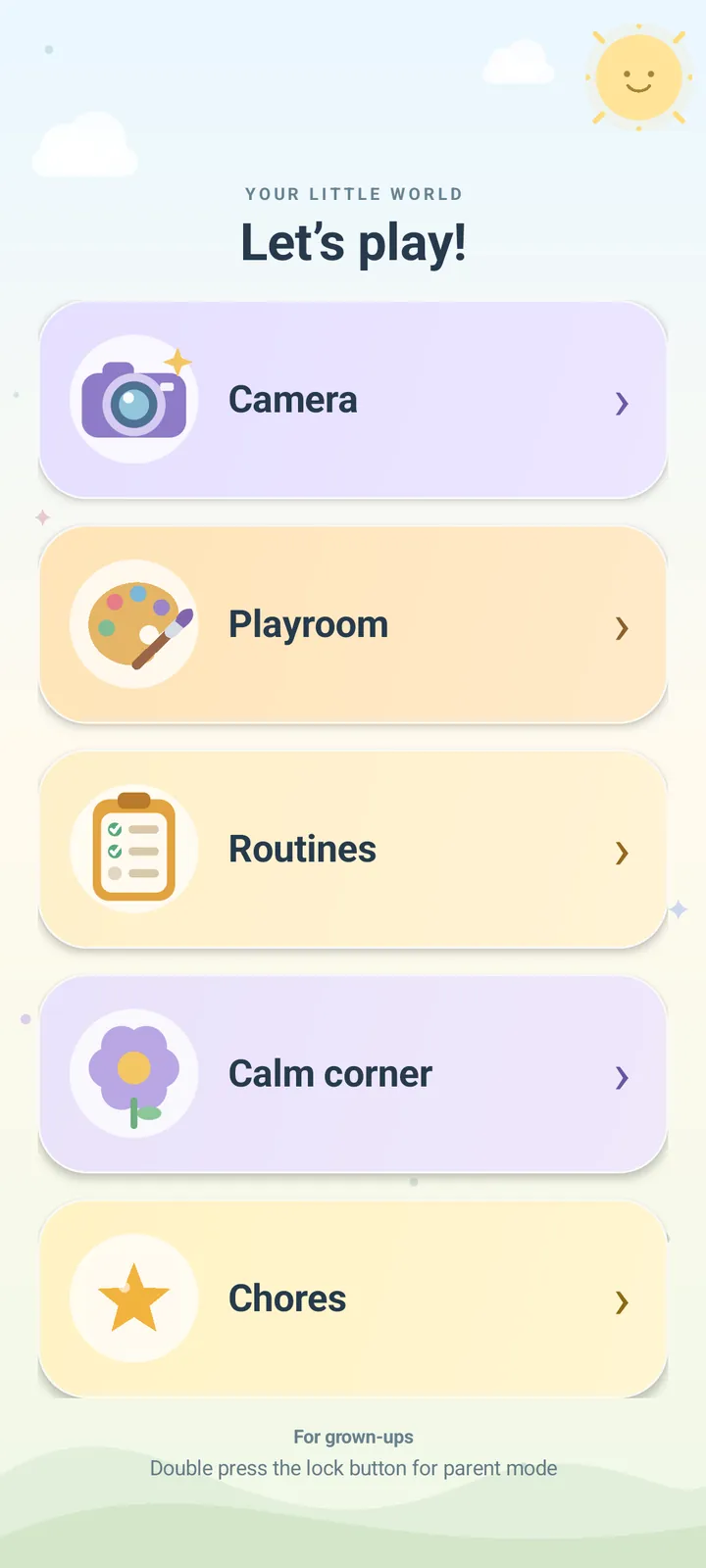
Most phones make you choose between handing over everything and hovering over a shoulder. famfone gives kids a home screen of their own that they can't wander out of.
- Leaving Kid mode always takes your Parent PIN
- The power button pauses, steps back, and never exits on its own
- No web browser, no app store, no settings, no ads
- Only the apps you allowed, as big, simple tiles
Only the videos and songs you chose
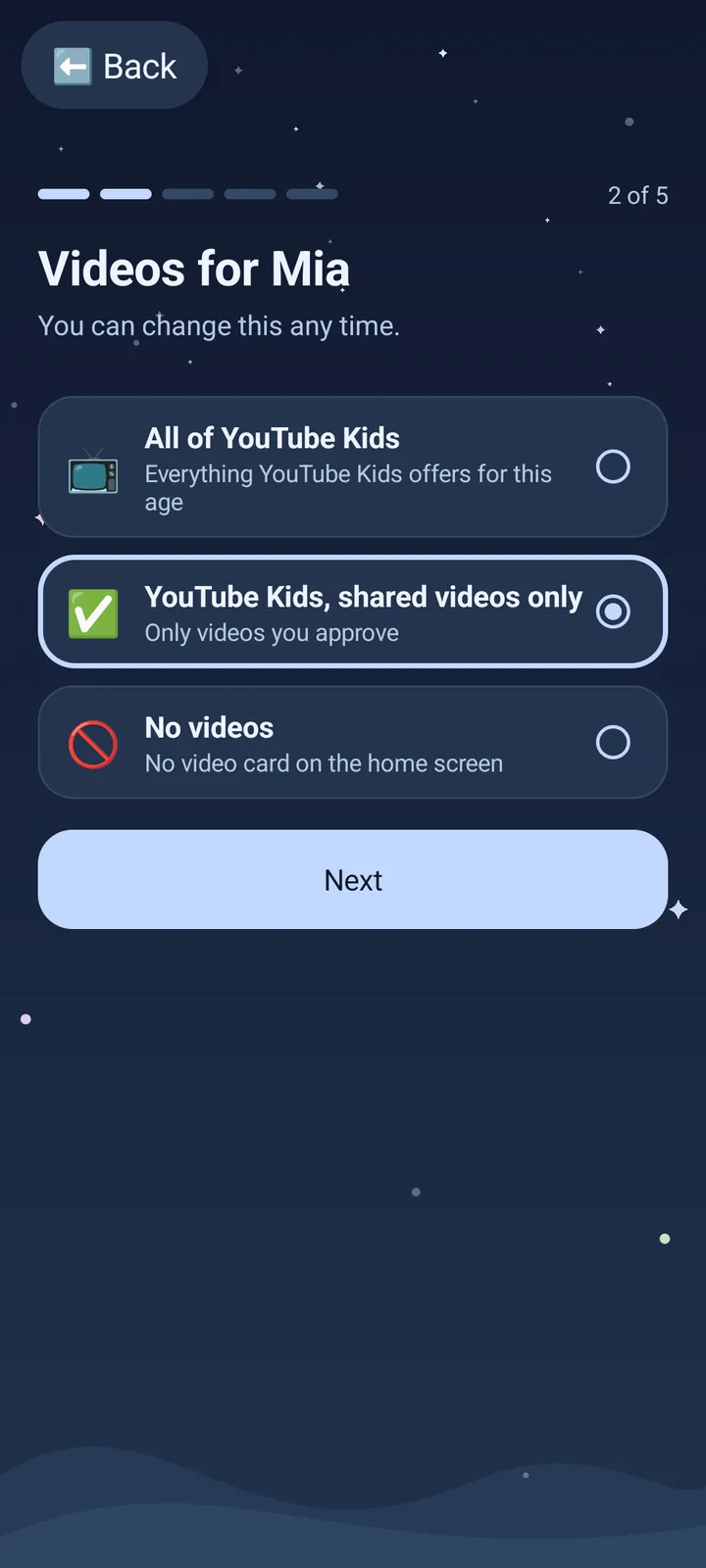
Share a video or pick a playlist, and that's the whole library. There's no search bar, no comments and no recommended rabbit hole.
- YouTube Kids with only the videos you share, or playlists you choose
- Spotify with only the playlists you set up
- One press of the power button pauses, two goes back
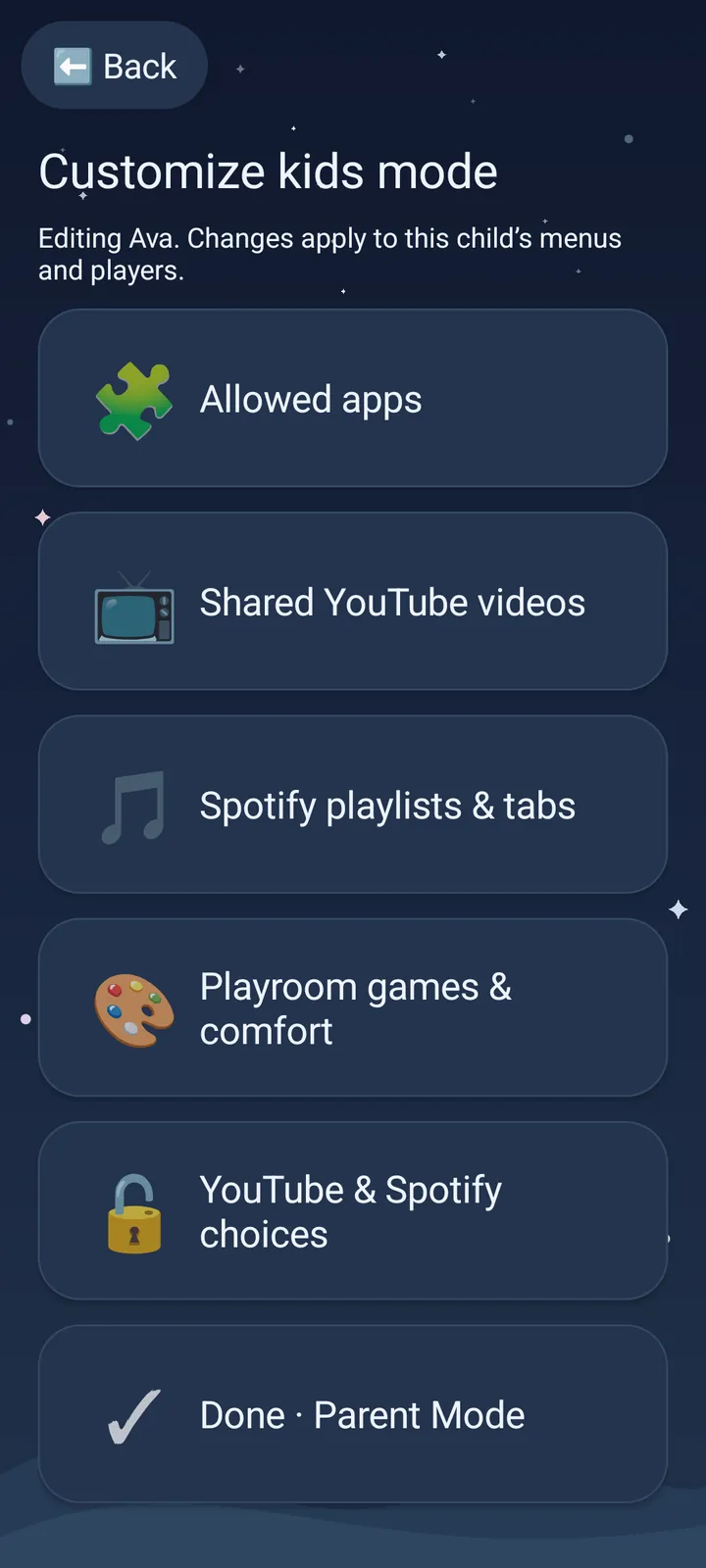
- Change what each kid gets any time from Parent mode
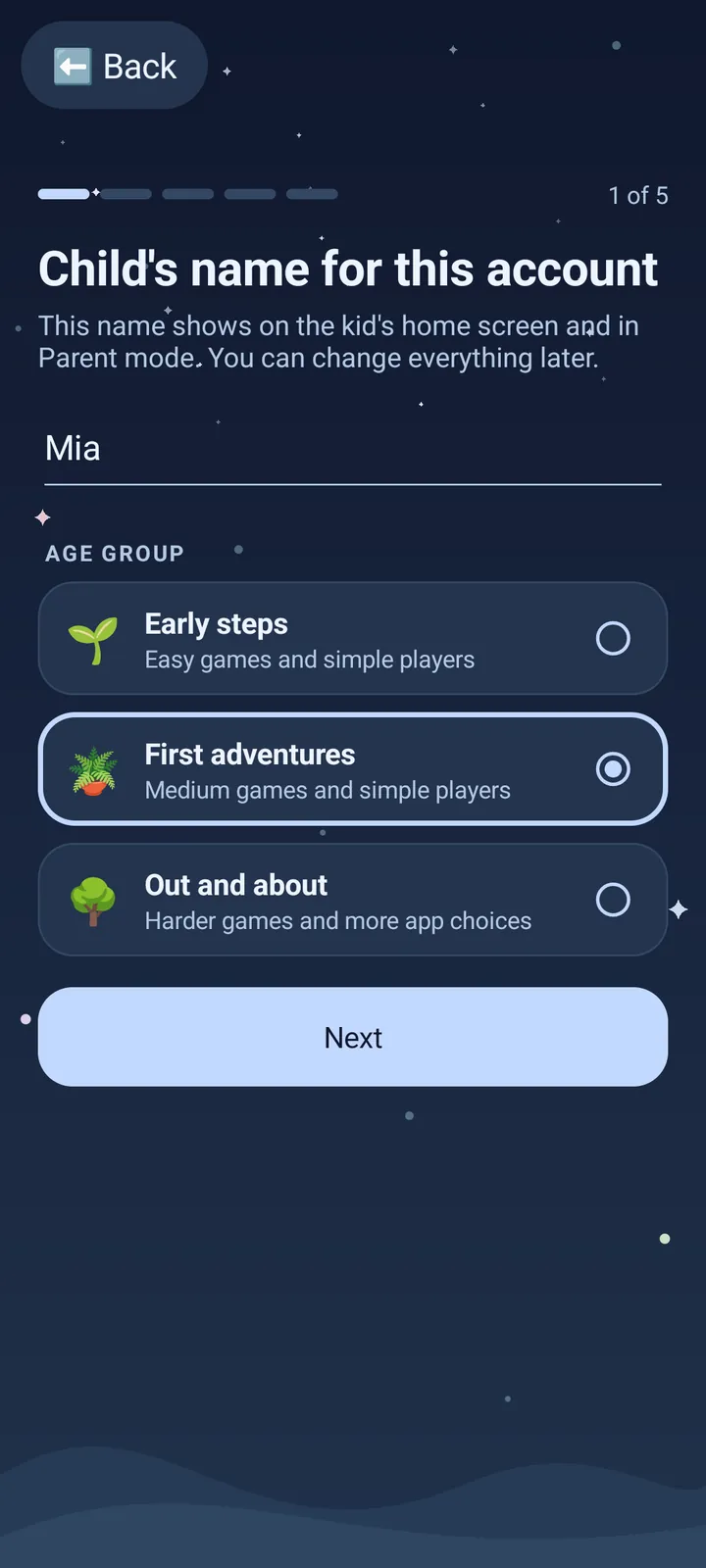
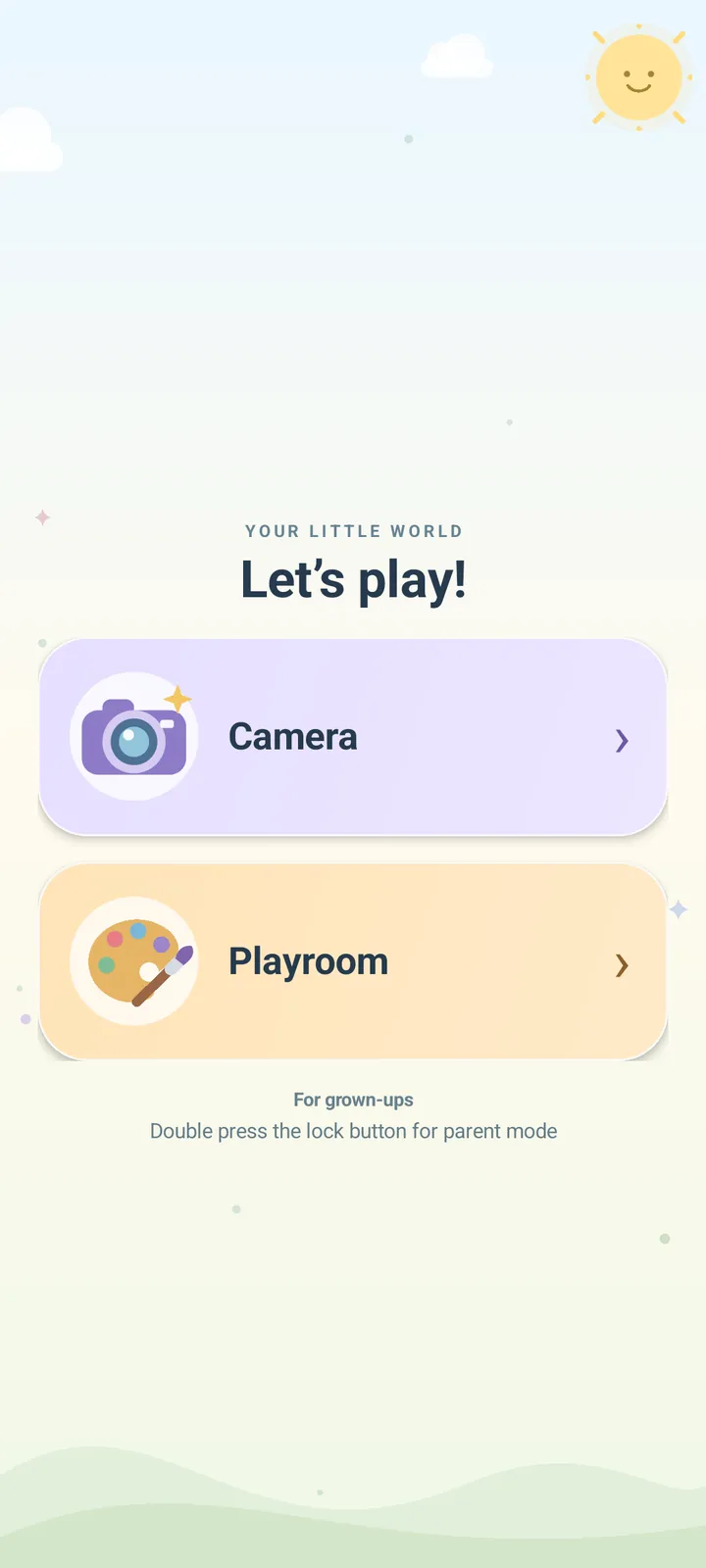
Everyone gets their own corner of the phone
Add up to three kids. Each one gets a separate space with their own apps, accounts, photos and games, so a little one's photos never mix with a big kid's music.
- Pick a starting point, then fine-tune every app
- Games that match each kid, from easy to tricky
- Their own camera roll and galleries
- Set up a kid in about a minute
Tools for the parts of parenting a phone can actually help with
Built into Parent mode, ready the day it arrives. Nothing to install, nothing to subscribe to.
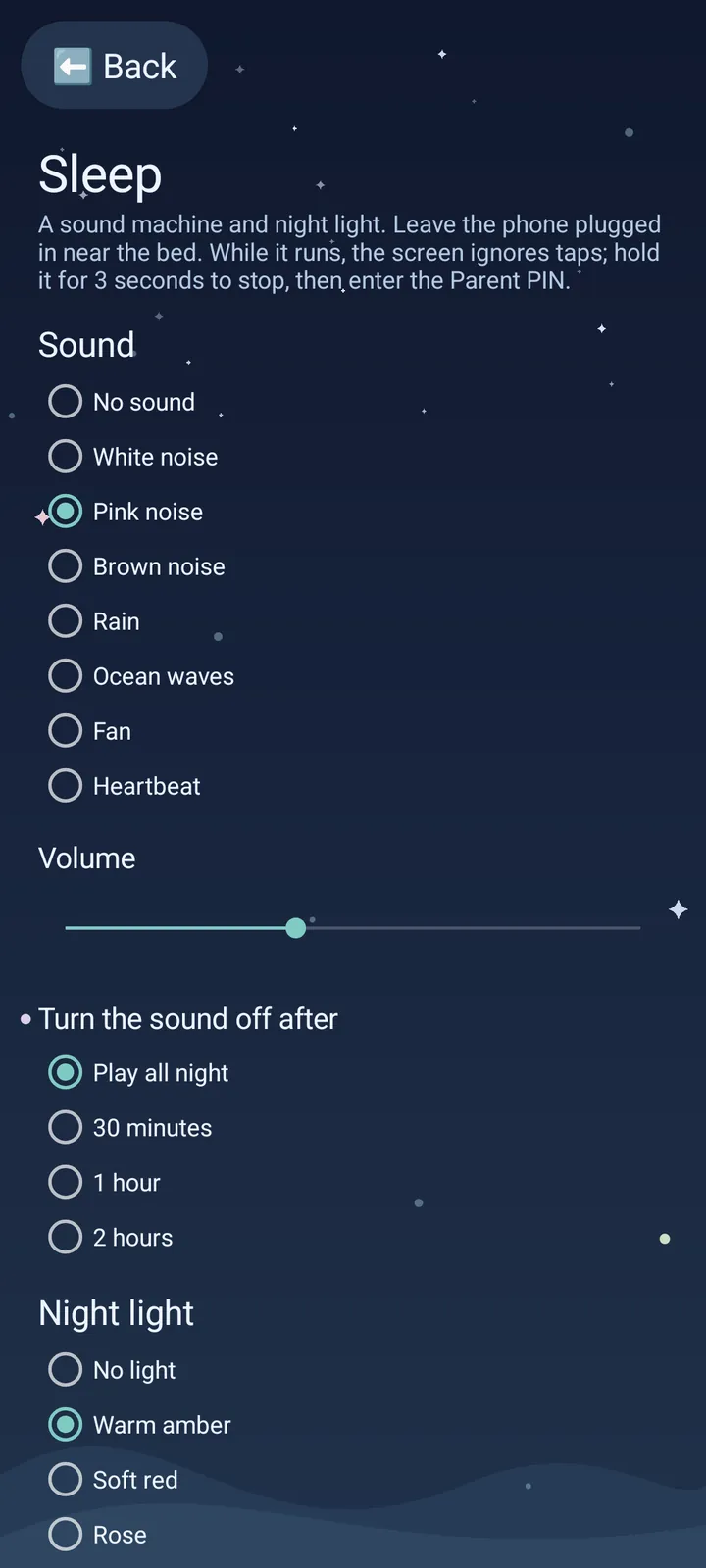
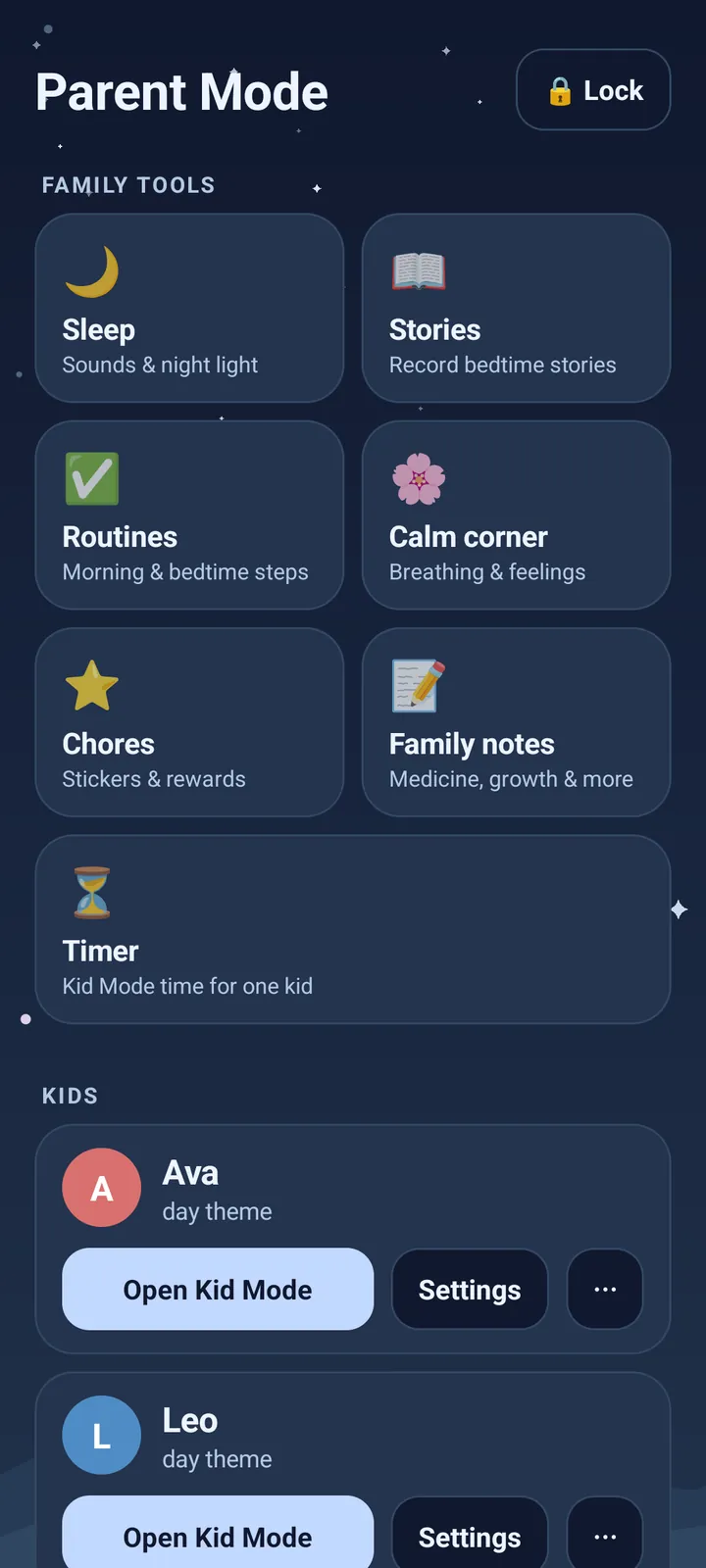
Sleep
A sound machine, night light and OK-to-wake light. The screen ignores taps until you hold it and enter your PIN.
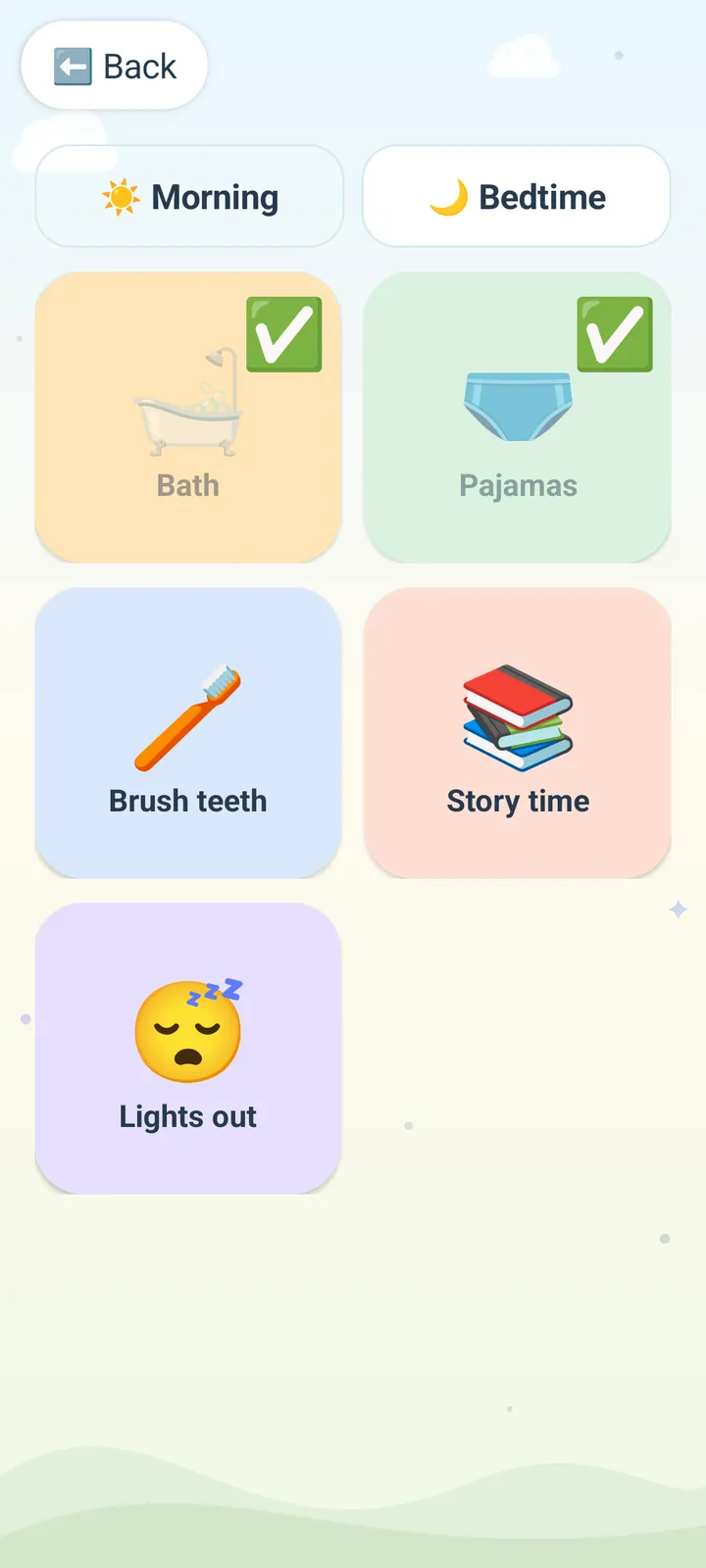
Routines
Morning and bedtime steps as big pictures to tap off, one kid at a time.
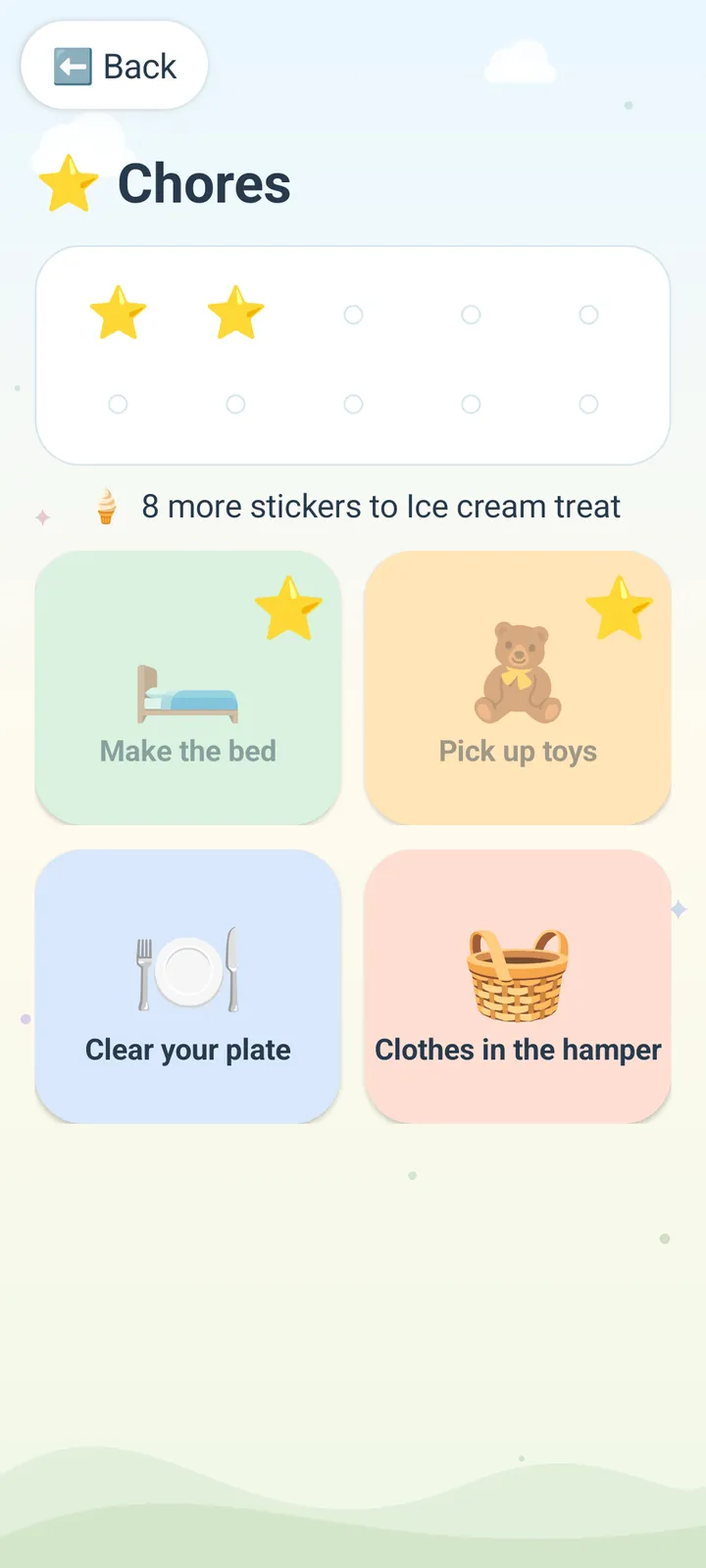
Chores
A picture chore chart with stickers and a reward you choose.
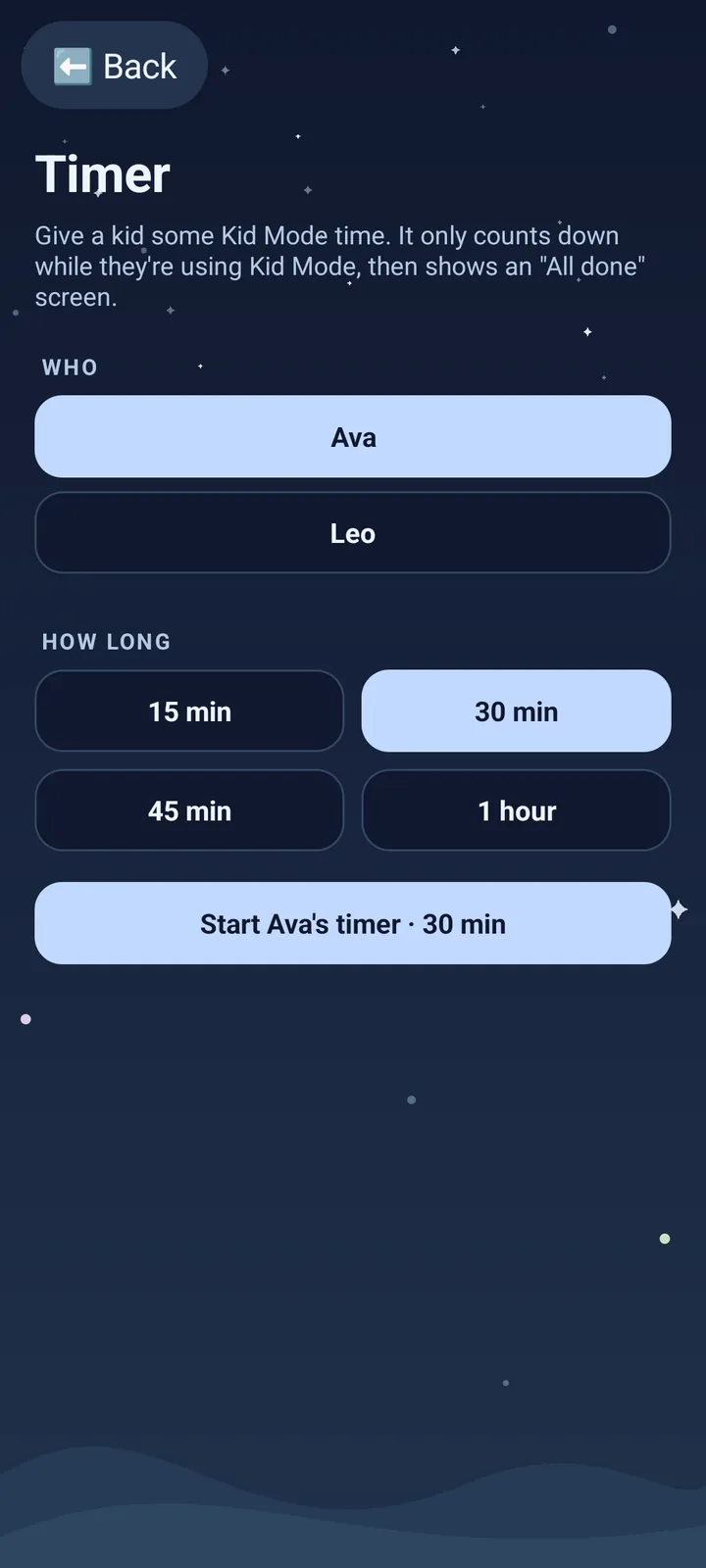
Timer
Give a kid a set amount of Kid mode time. It only counts down while they're using it.
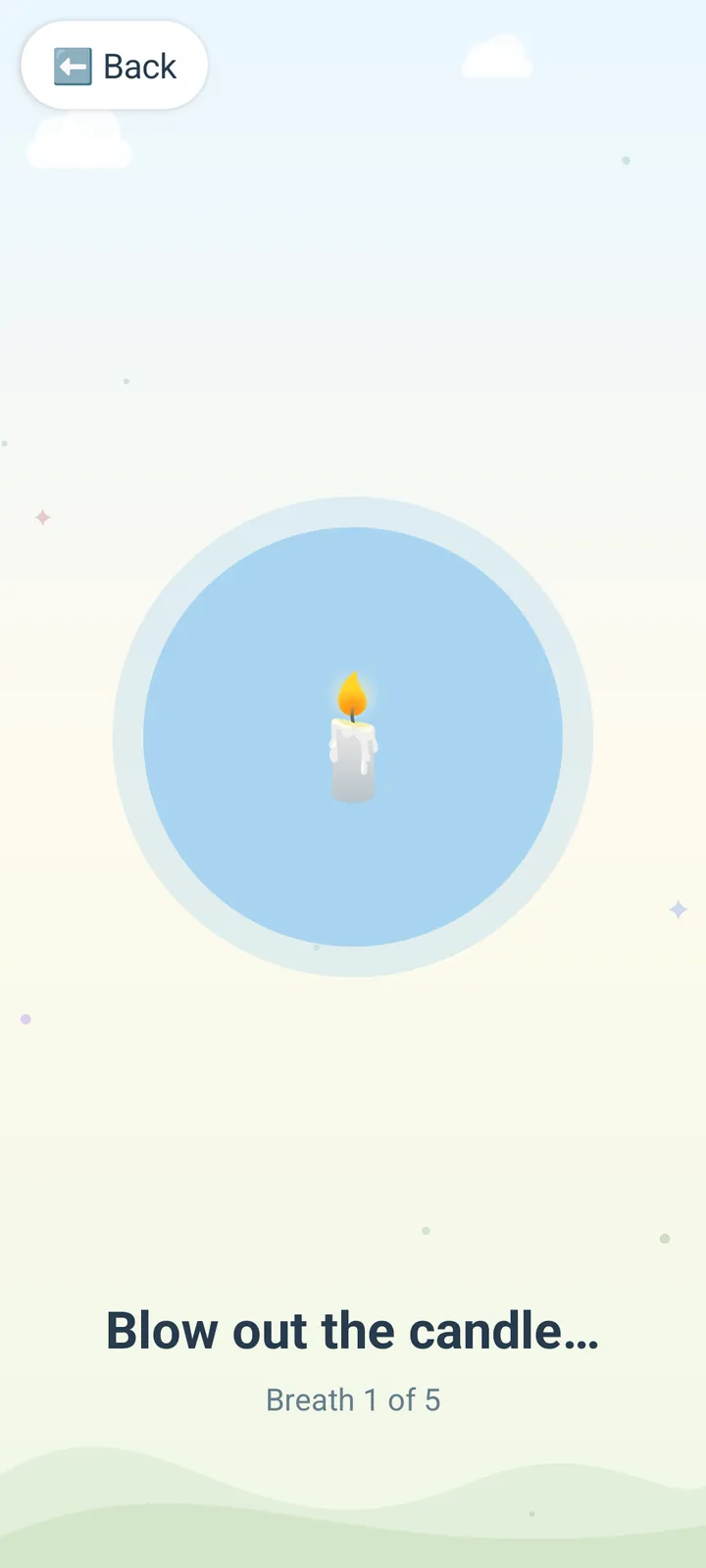
Calm corner
A slow breathing exercise and a feelings picker for big moments.
Stories
Record a bedtime story or song in your own voice. Your kids can play it back in Kid mode.
Family notes
Log medicine doses with the time given, temperatures, growth and questions for the doctor. It never leaves the phone.
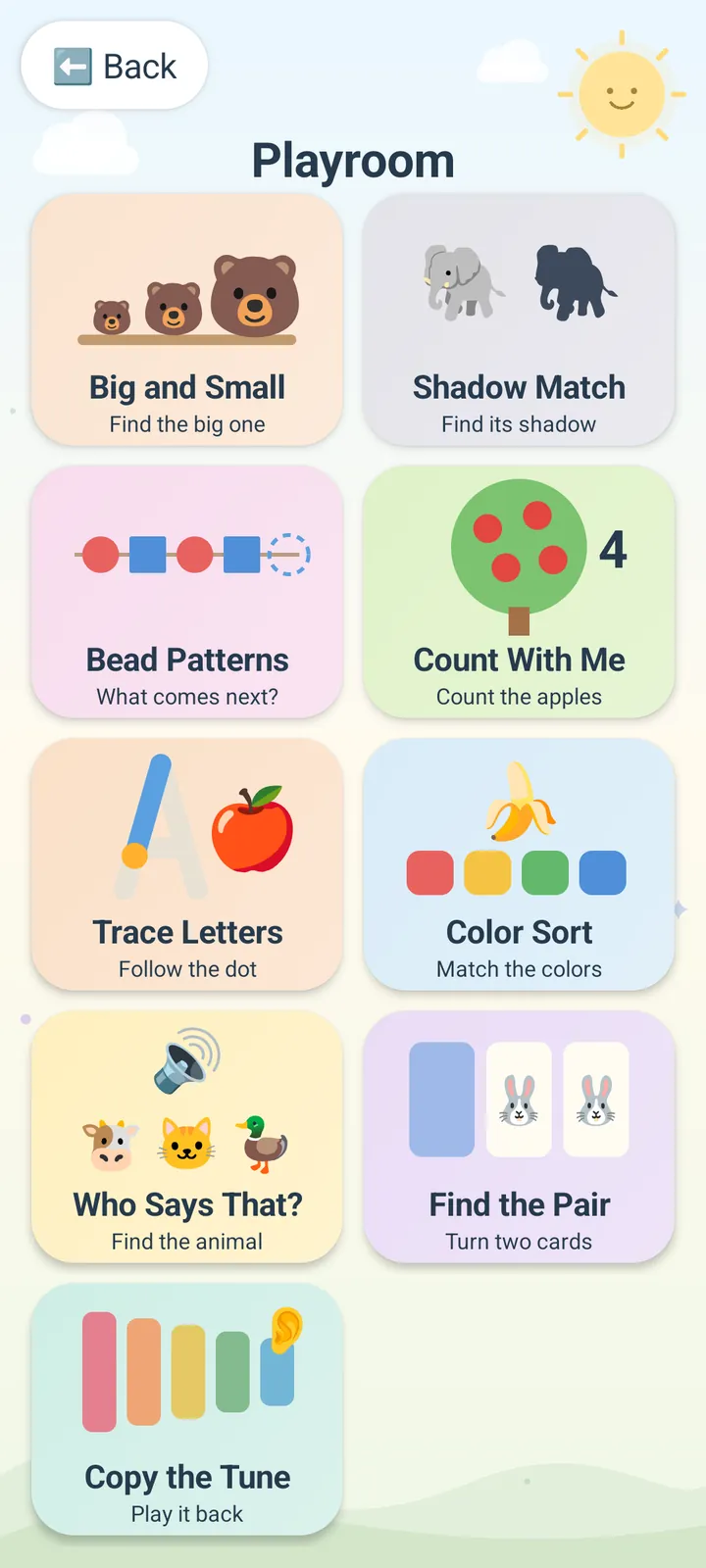
Games with no ads, no purchases and no internet
famfone comes with a Playroom of simple, gentle games made for it. They work offline, never ask for money and never show an ad.
- Easy, medium and harder games to match each kid
- Calm sounds and a friendly voice
- Works on a plane, in the car, anywhere
The phone you already have wasn't made to be shared
Handing over an ordinary phone
- One tap from an endless video feed
- Your messages, email and photos are open
- Ads, app stores and in-app purchases
- They can leave whatever you set up
- You hover, or you hope
Handing over famfone in Kid mode
- Only the videos, music and games you picked
- Your accounts stay behind your PIN
- No ads, no store, no browser
- They stay put until you enter your PIN
- A calm screen built to be put down
Simple to own
Ready out of the box
We set up famfone and test it before it ships. You add your kids in minutes.
Private by default
famfone doesn't track what your family does. Family notes and recordings stay on the phone.
Updates included
famfone keeps improving with free software updates. No subscription, ever.
Unlocked
Use your own SIM, or keep it on Wi-Fi.
Still your phone
Parent mode keeps your own apps a tap away, and the full phone is always there.
Real people
Questions go to a real person by email, not a chatbot.
Up and running in minutes
-
It arrives ready
famfone comes set up and tested. Put in your SIM and turn it on.
-
Set your PIN
Choose a screen lock and a Parent PIN. The welcome tour shows you around.
-
Add your kids
Pick each kid's apps, videos, music and games. Change it any time.
Questions parents ask
Is there a monthly fee?
No. The price of the phone includes software updates and email support. There's no subscription.
Can I use it as my own phone?
Yes. Parent mode is your home screen, with your own apps, and Standard Android is there whenever you need the full phone.
Can my kid leave Kid mode?
Not without your Parent PIN. Pressing the power button twice on the kid's home screen opens the PIN screen. The power button in Kid mode
How many kids can use one famfone?
Up to three. Each kid gets their own profile with separate settings, accounts, photos and app data.
What does famfone collect about my kids?
Nothing about what they do. famfone sends only technical data like the phone model and software version. What famfone collects
Does famfone come with a phone plan?
No. famfone is carrier unlocked. Put in a SIM card from a carrier that works with famfone, or use it on Wi-Fi only.
Is the phone new?
Yes. Every famfone is a new phone, not used or refurbished. We set it up with famfone and test it before it ships.
Is the phone rooted?
Yes. Kid mode needs deep system access (root) to lock down properly, so we modify each phone before it ships. That's also why a few banking and payment apps won't run. The phone keeps a screen lock and encryption, and you can always use plain Android. Apps that don't work on famfone
Where do you ship?
US addresses only, for now.
The honest details
Every famfone is a new phone that we modify with deep system (root) access, so Kid mode can lock down properly. That's also why a few banking and payment apps may not run. The phone maker's warranty may not cover a modified phone, so famfone backs every phone itself. famfone isn't affiliated with any phone maker.
Be first in line
famfone isn't on sale yet. Join the waitlist and we'll tell you the day orders open.
We'll email you once when orders open, plus the occasional update. Ask to be removed any time.